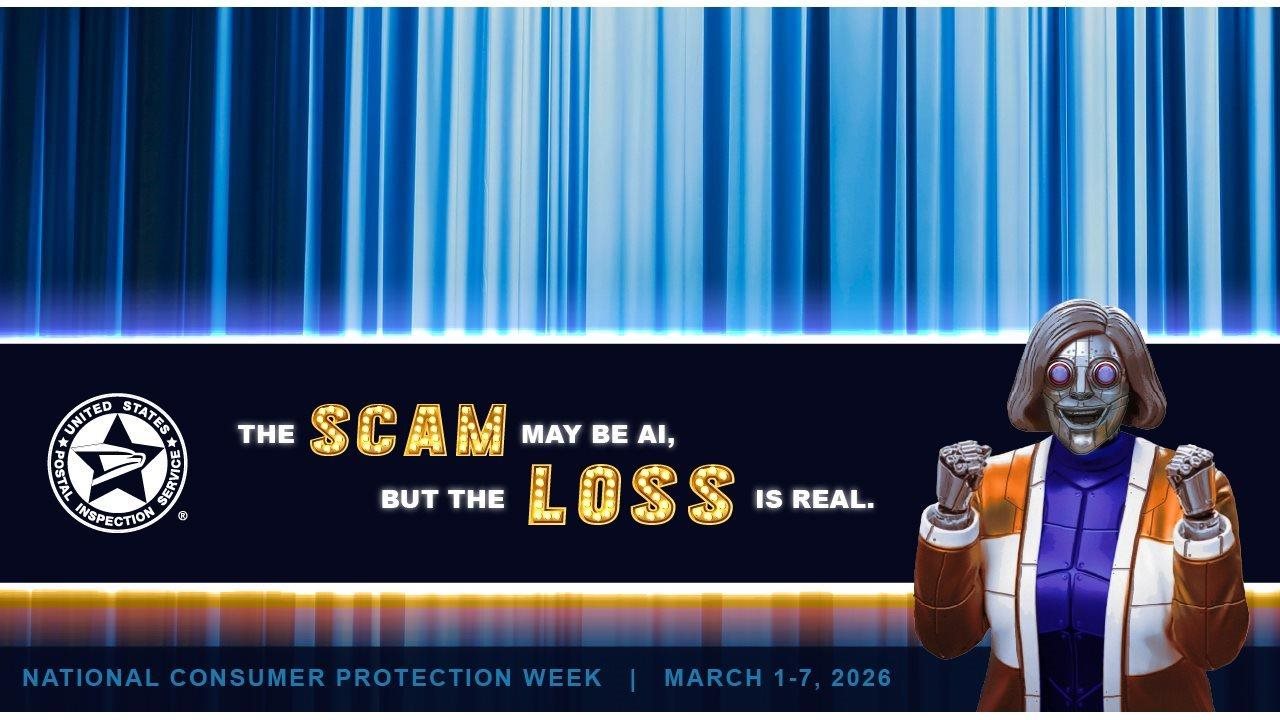
You've probably heard about the amazing things artificial intelligence (AI) can do, from quickly creating written content and images to making videos that appear real, even when they're fake. Unfortunately, this easily accessible technology is also used by fraudsters to fool people into sharing personal information, investing in fake schemes, or giving scammers their money.
When AI technology is so good at faking — and personalizing — scams, what can consumers do to protect themselves?
"From AI-generated emails and texts to cloned voice messages, calls, and deepfake videos, today's scammers have many tools at their disposal," said Chief Postal Inspector Gary Barksdale. "But if you're alert and understand fraudsters' typical methods, you can stay one step ahead of them."
The U.S. Postal Inspection Service is sharing some red flags that can help you avoid AI-generated traps and what you or a loved one can do if you are a victim of fraud.
How to spot a scam that uses AI
AI is being used in many different types of fraudulent schemes including quick phishing attempts in the form of emails or texts supposedly from a reputable company, "long cons" like romance, investment, or cryptocurrency scams, and even scams claiming to be "tech support." If you get a text, email, call, or voice message requesting or demanding your response, watch for these things:
- Skimpy social media. The "person" contacting you has an inconsistent or thin social media footprint — few friends, recent account creation, comments that don't seem natural, or images that don't match name/profile details.
- Odd website/email address. Tiny misspellings, weird fonts, non-secure websites asking for login information, or a return email address that doesn't match the website domain asking for information (Example: [email protected] when USPS.com is the actual domain name).
- Requests to communicate off-platform. Does the message sender insist on speaking via WhatsApp, Telegram, or a separate, private email address? If so, platform security protections won't apply.
- Audio/video inconsistencies. Lip-sync timing seems off, weird lighting/jerky motion, or a voice that doesn't quite match the person you know.
- Too-good-to-be-true offers. Does the sender promise guaranteed high financial returns or "exclusive" private opportunities? They likely won't pay out.
How to protect yourself
Even if you think the person or company contacting you is legitimate at first, always double check by going straight to the source.
Go directly to the company website, or contact the person the way you normally contact them, rather than clicking a provided link or responding to the text, email, or call.
Follow these tips to avoid falling prey to scams:
- Never send money to someone you know online only, especially via cryptocurrency, wire transfer, gift cards, or prepaid reload methods.
- Beware of financial requests. Requests to "loan me money to buy a ticket" or "invest via this private wallet" are warnings to STOP and verify.
- Enable multi-factor authentication (MFA). Protect your email, social, and financial accounts.
- Use payment methods with buyer protection. Credit cards and escrow services are safest when transacting with unknown parties.
- Avoid sharing personally identifiable information. Providing your full date of birth, Social Security number, photos of IDs, or home address can enable identity theft.
- Keep devices and software updated. Also use antivirus software plus a password manager for strong, unique passwords.
- Be cautious with "too helpful" strangers. If someone offers to set up an investment account or "help" you sign up, slow down and verify.
- Inform your contacts. Warn friends and family if you see a suspicious contact pretending to be you.
Actions to take if you're the victim of a scam
If you or a loved one falls victim to a fraudster, take immediate action:
- Stop communication with the scammer. Preserve all messages and transaction records.
- Contact your bank/payment provider immediately. Ask them to help you stop or trace transfers.
- Change passwords and enable multi-factor authentication (MFA), especially if you shared login information.
- Place fraud alerts and a credit freeze with the three main credit bureaus. Also place alerts with your bank and credit cards if you shared sensitive financial data.
- Contact local police. If you lost significant sums of money or were threatened, the police need to be notified.
- If you used cryptocurrency, contact law enforcement immediately. Tracing is difficult, but reported early, there may be a chance of recovering your funds.
Most importantly, report fraud. You can report it to the Postal Inspection Service, the Federal Trade Commission, or the FBI's Internet Crime Complaint Center (IC3). You should also report the profile and messages to the platform where the contact occurred.
Finally, seek support! Scams also cause emotional harm, so talk to trusted friends, family members, or a counselor.
If you believe you've been the victim of any scam connected to the U.S. Mail, contact postal inspectors at 877-876-2455 or www.USPIS.gov/report. For more information on fraud prevention, visit www.USPIS.gov/ncpw-2026.


